The 8-character password that comes from your order email is the initial password for your Nero account.
After logging into the Nero account with your email registered address and correct password, the Nero product features will be activated automatically.
How to get the 8-character password:
When purchasing the Platinum Suite, your Nero Account is automatically created based on the email address you entered during online purchase.
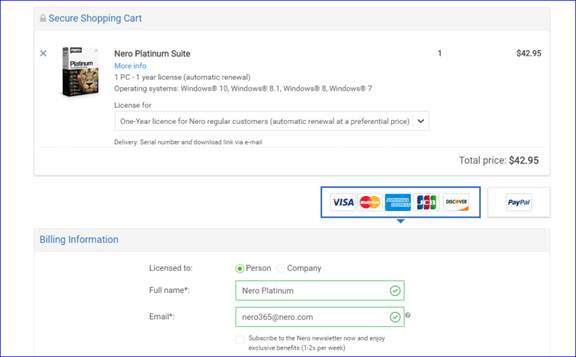
Once your order is complete, you will receive activation email with your password which is 8-character, like this: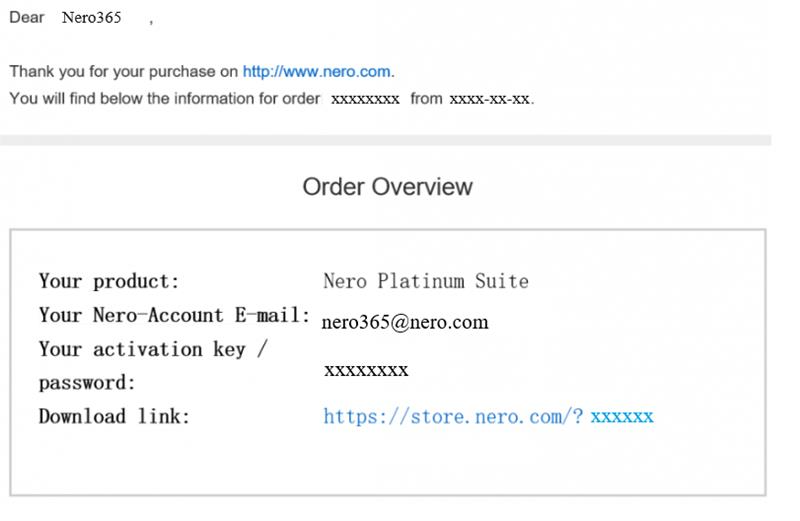
How to activate the 8-character password:
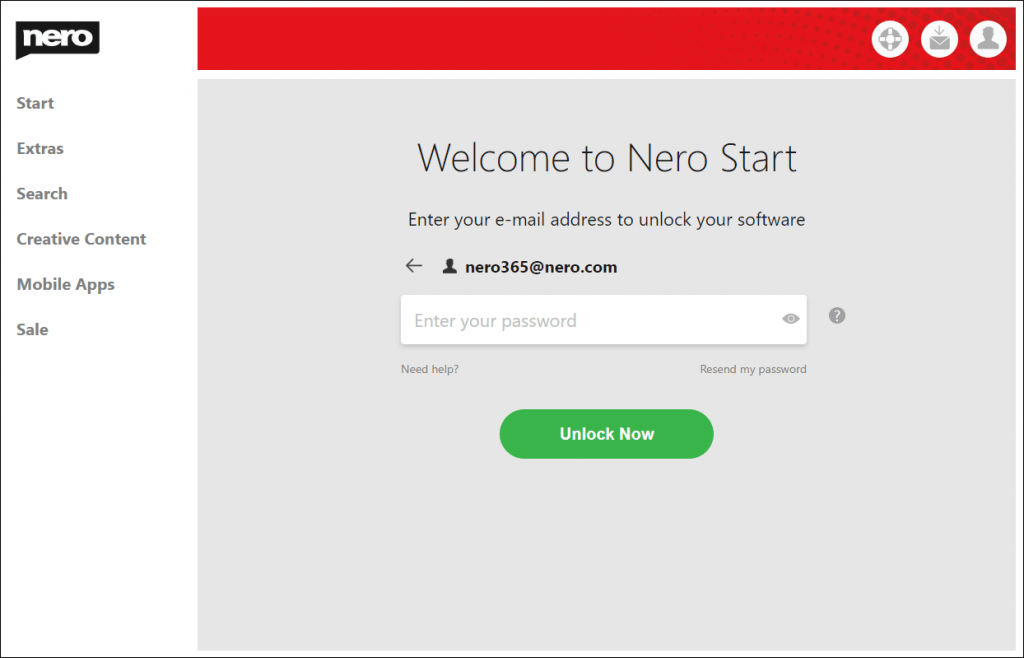
1. Open Nero Start
2. Enter the same email address you entered during the purchase.
If you did not receive the email with your password, please also check your spam folder.
3. Enter the 8-character password you received in the email to login.
4. If you already have a Nero account, use it to sign in or reset your password.
When the login was successful your software is unlocked automatically. It starts to run.
Note: You don’t need to enter a serial number anymore.
Check out details from Nero KnowHow.





