Orders via 2Checkout
1. Open following link: https://store.nero.com/myaccount/
2. Sign in using your email address which you also used when you bought the order.
After login, you will see below screen.
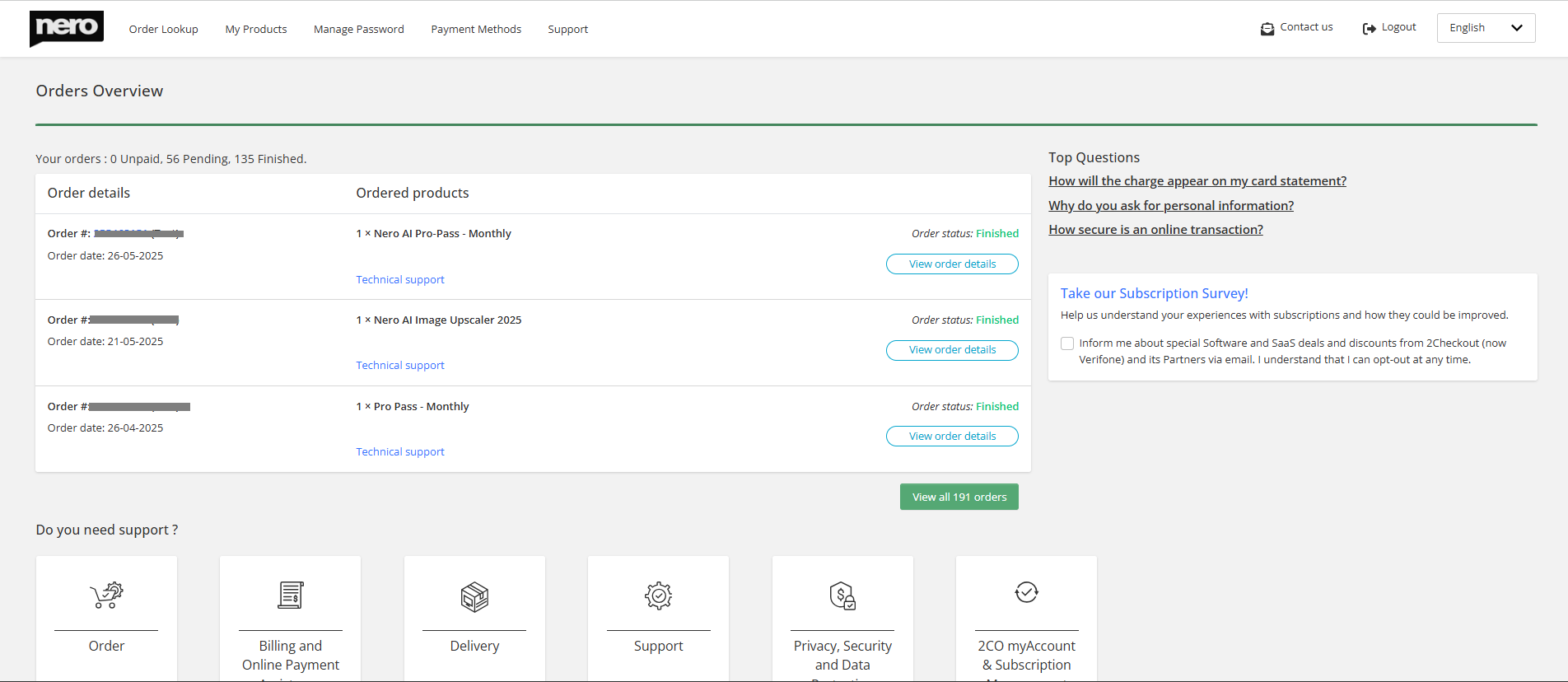
You can view following details:
- your orders
- getting invoice
- managing your subscription
- different payment methods
Click on one of these details to make wished changements.
Below is an example of Product/subscription information of an order. In the bottom part, there is also information about how to get support.

Orders via Cleverbridge
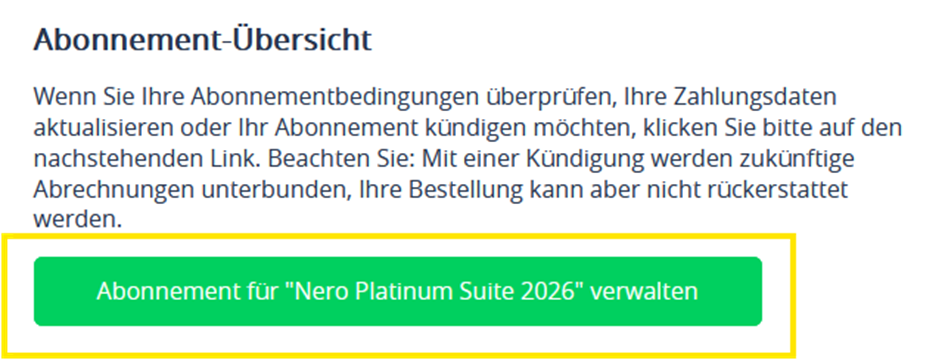
- Open the order information email from Cleverbridge in your email inbox.
- Click on “Manage Subscription”.
3. Your Order Details page will open,
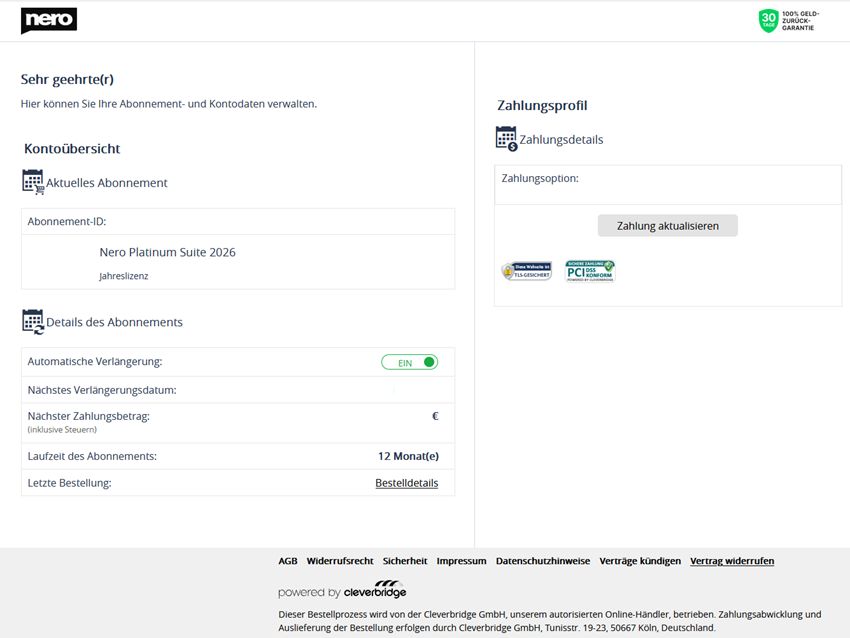
From this page, you can access:
- your orders
- invoice
- managing your subscription
- change payment method