There are two methods for resetting your Nero account password:
- * Method 1: Reset password in Nero Start
- * Method 2: Reset password via a website
Method 1: Reset password in Nero Start
1. Open Nero Start and enter your Nero account on the 'Sign in' page.
2. Click the 'Forget password?' button.
3. Your account's password will be reset, and an email containing your account's default password will be delivered to your mailbox.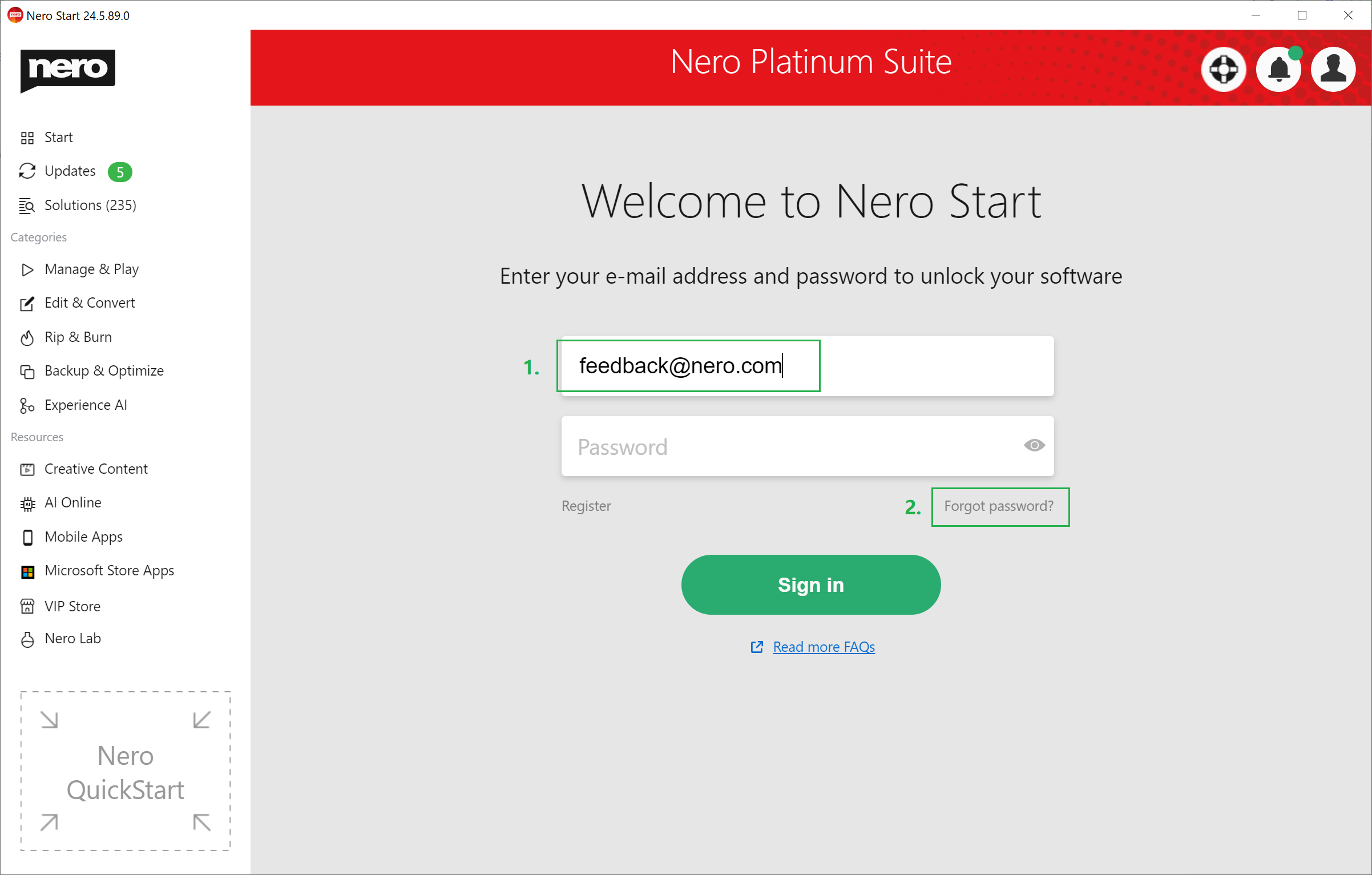
Method 2: Reset password via a website
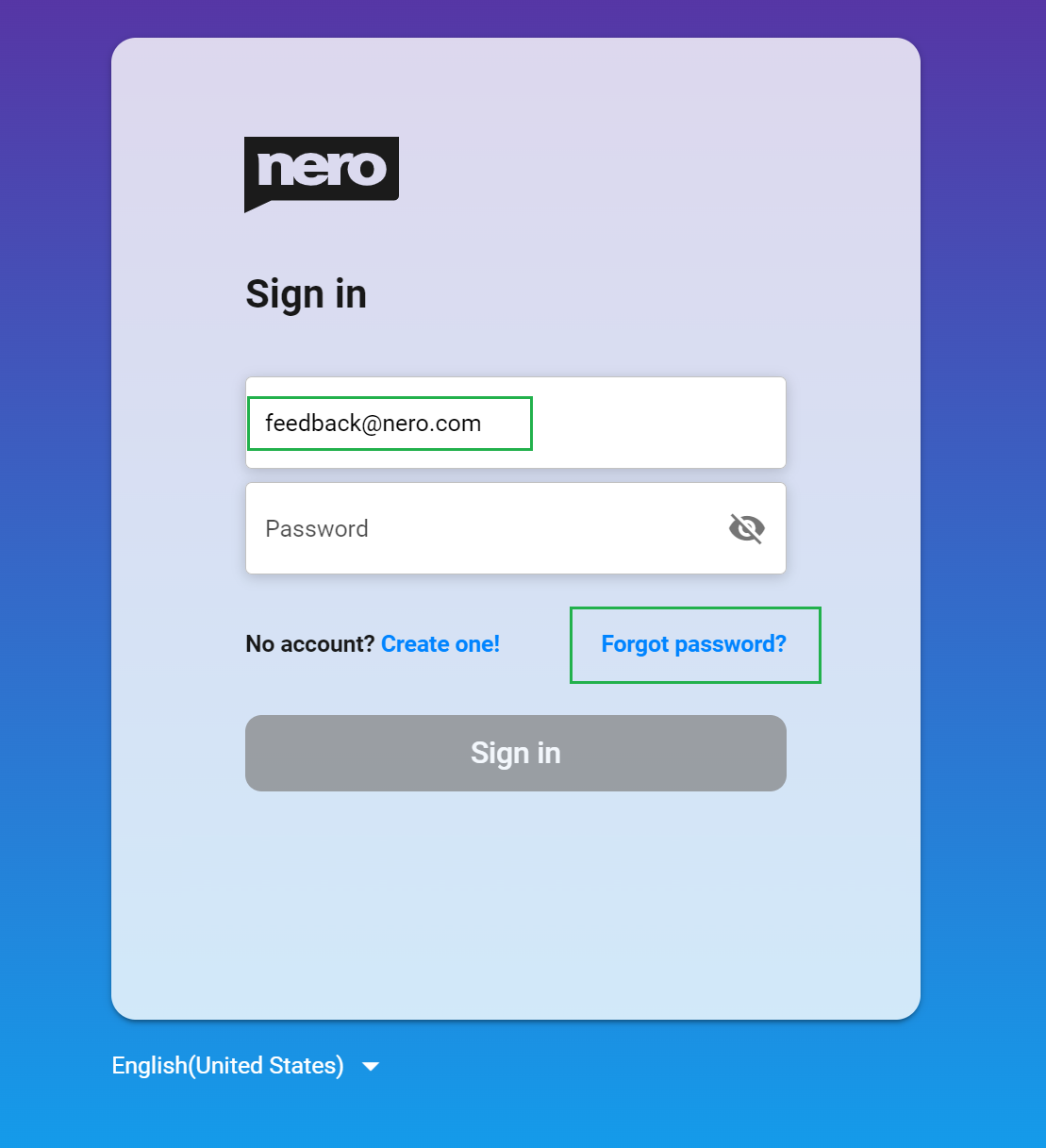
1. Visit this website: https://login.nero.com/oauth/authorize
2. Enter your Nero account and click the 'Forget password?' link.
3. A six-digit verification code will be sent to your registered email address. After correctly entering it, you will be immediately redirected to the password reset page.