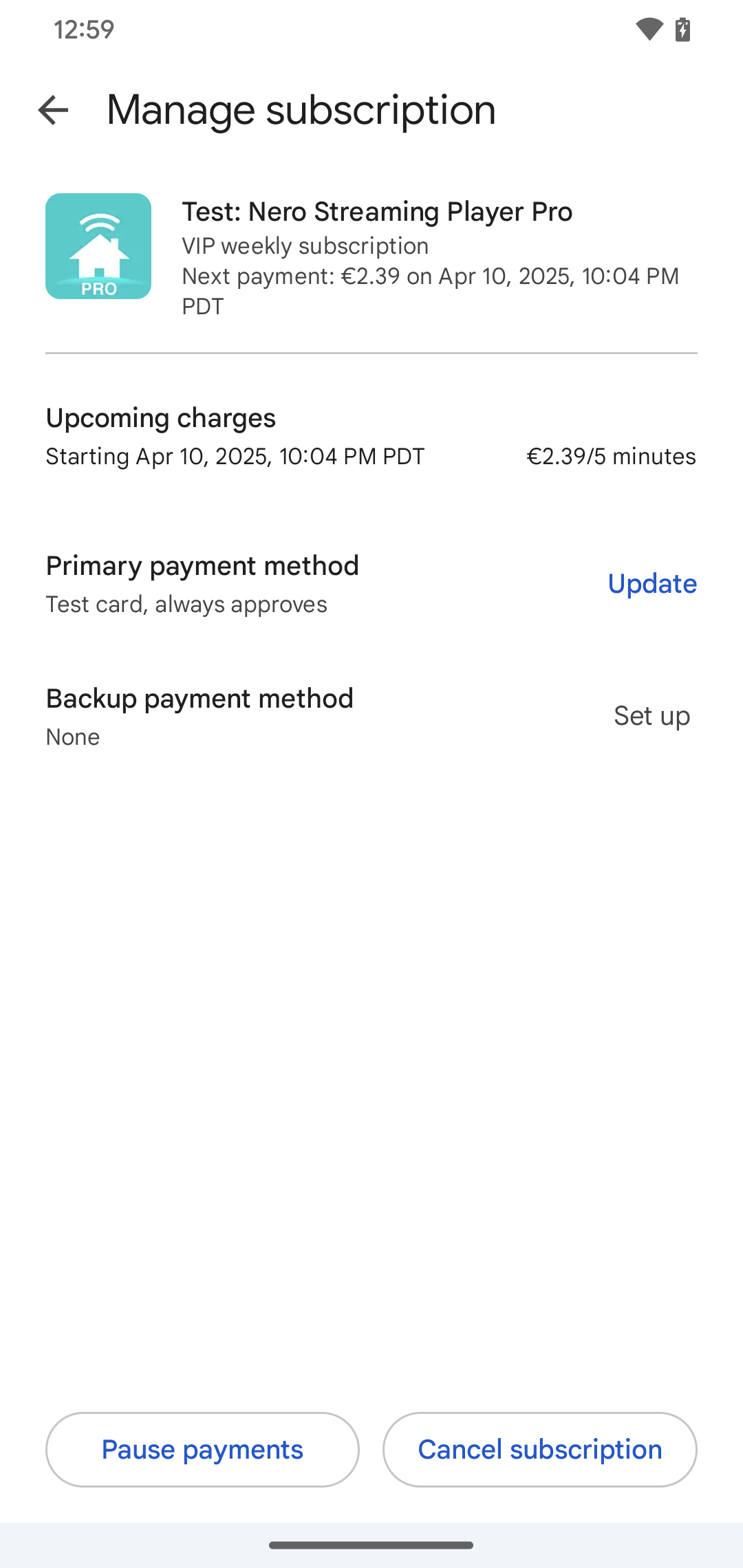
If you subscribed via one of your Android mobile apps, you must cancel your subscription through the Play Store.
In order to cancel your subscription, please follow the following steps:
1. Launch the Play Store app on your Android device
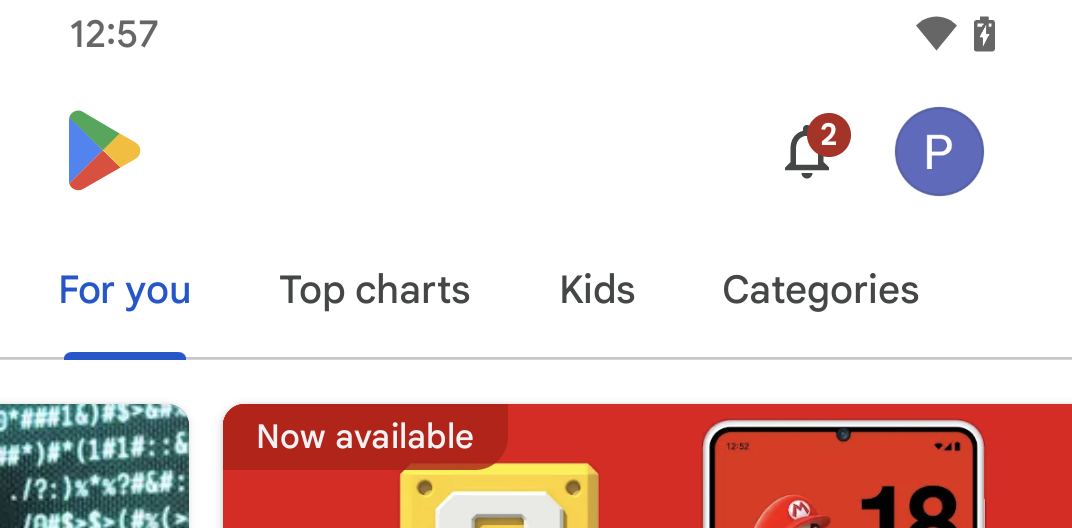
2. Tap on the avatar of your account in the top right of the screen
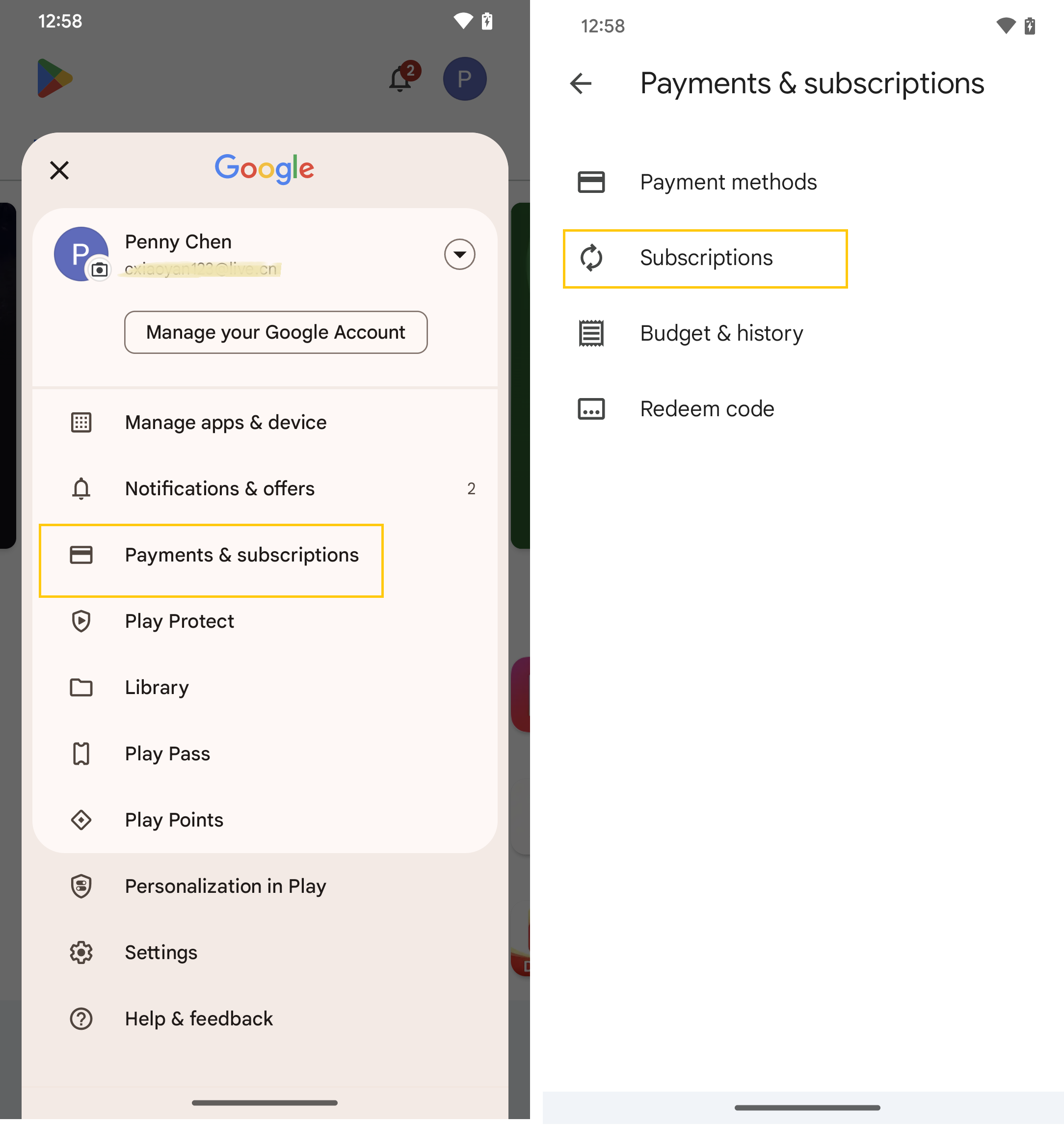
3. Tap on Payments&Subscriptions, then tap subsciptions.
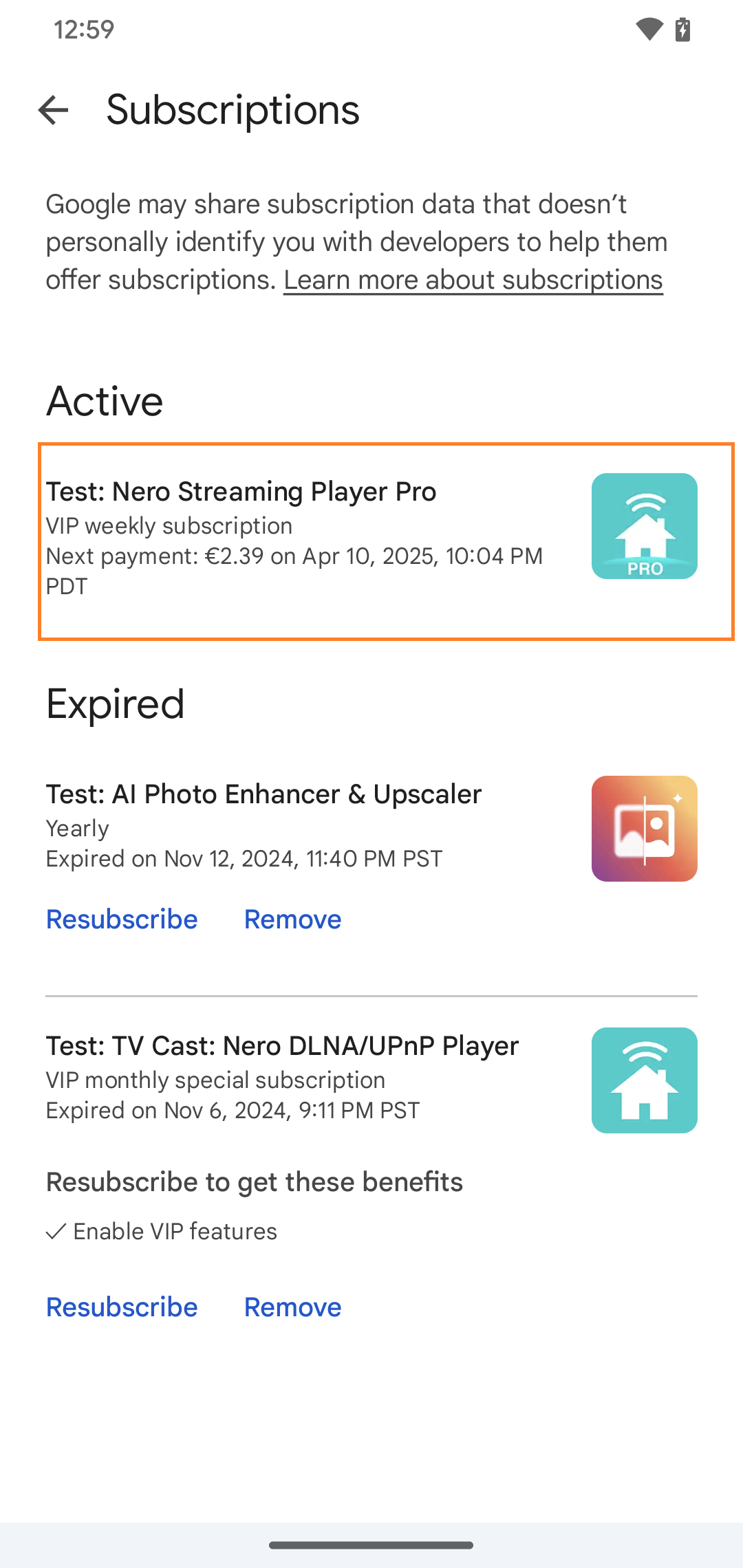
4. Tap the subscription that you want to cancel.
5. Click 'Cancel subscription' at the bottom.