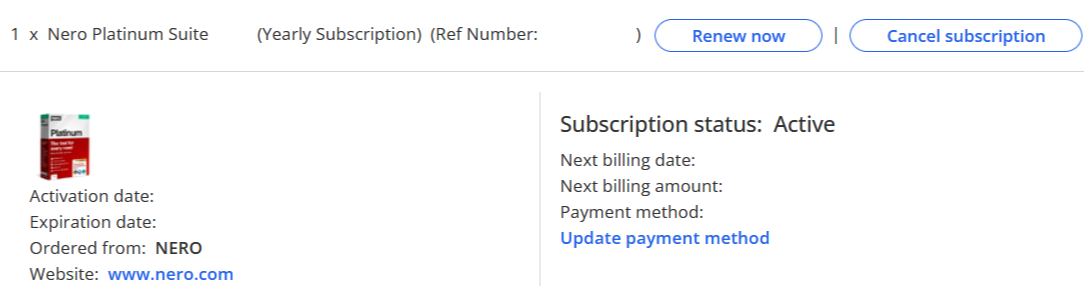
There are two methods to log in to Nero acount.
Method 1: Access from Nero Start:
1. Open Nero Start, input your Registered email address and Password from activation mail.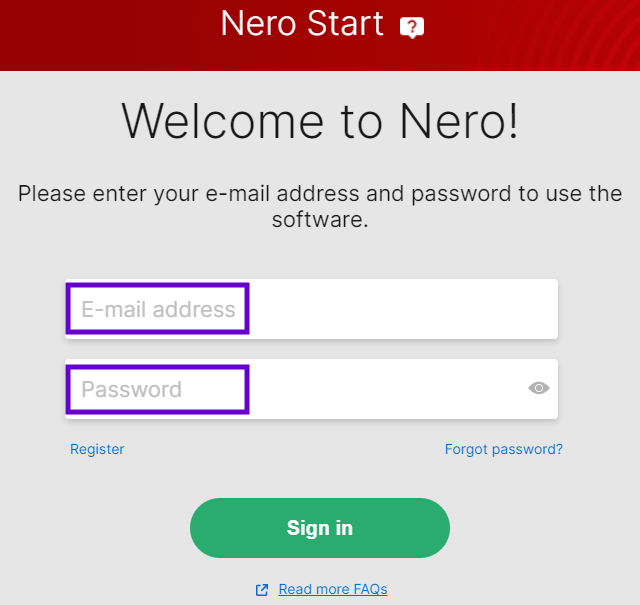
2. Click the Account Settings button in the upper-right corner. 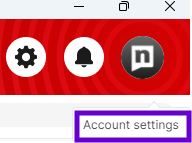
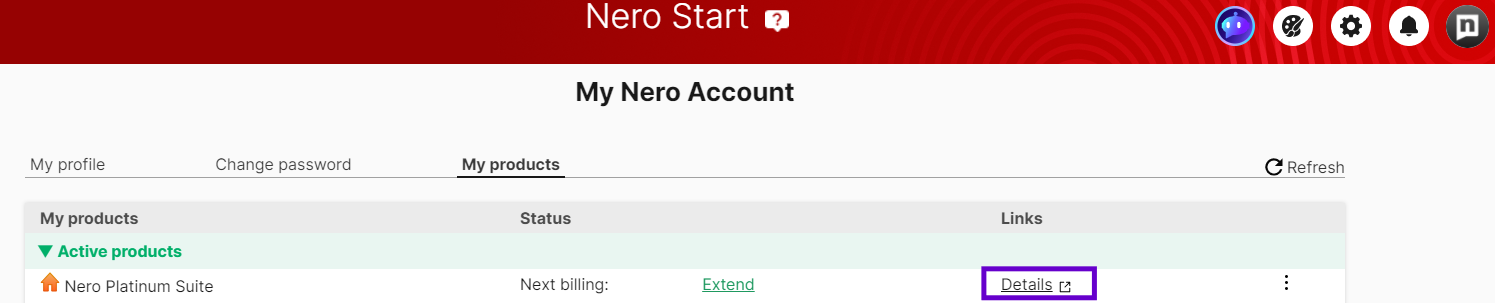
3. Select My products.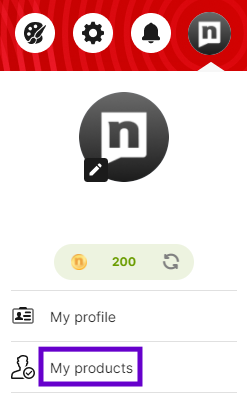
4. Locate your subscription product and select Details.
Method 2: Access from www.nero.com:
1. Click the Sign in button in the upper-right corner. 
2. Input your Registered email address and Password from activation mail.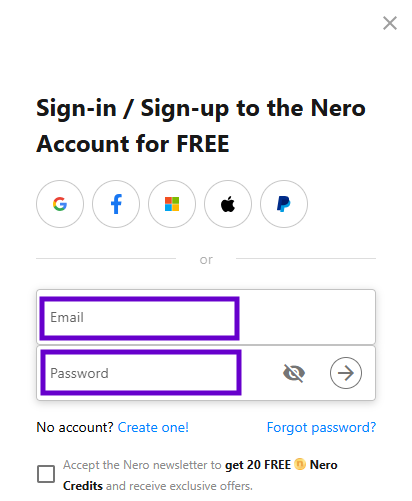
3. Select Subscriptions.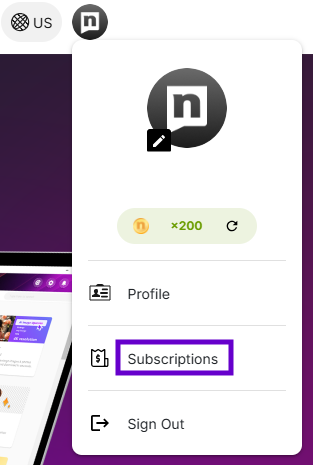
4. Locate your product and click it. 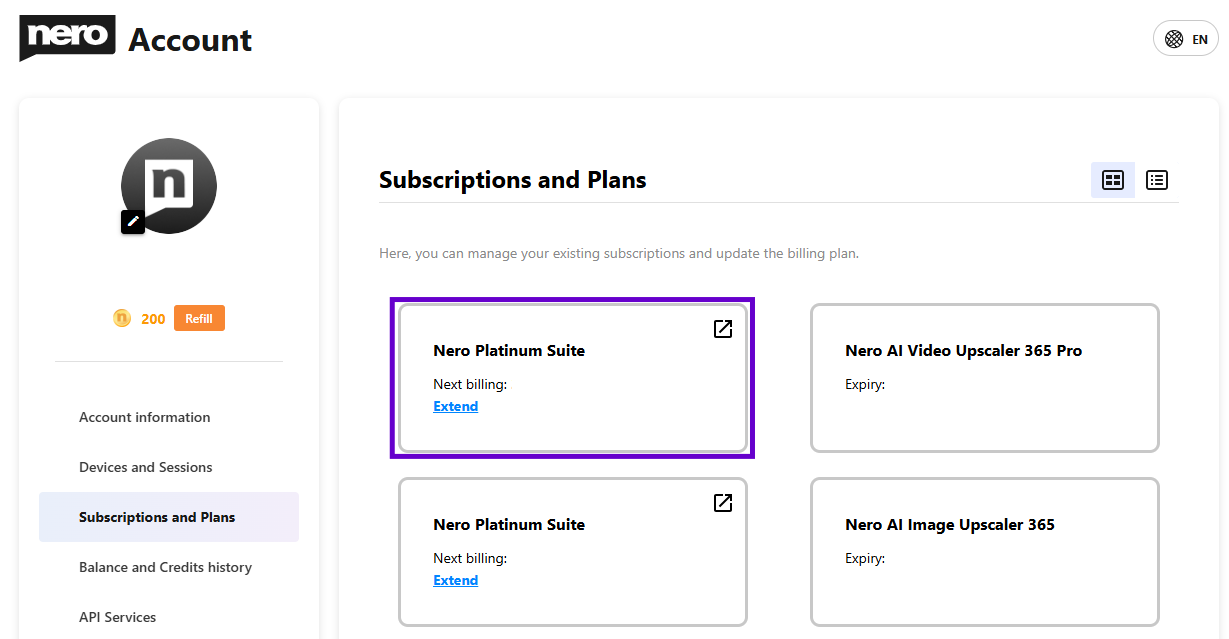
------From both methods, you are able to access Nero myAccount page.------