If you want to change the display language in Nero programs, please do below steps by referring the screenshot also.
1. Run Nero Start
2. Click the top-right item "Options".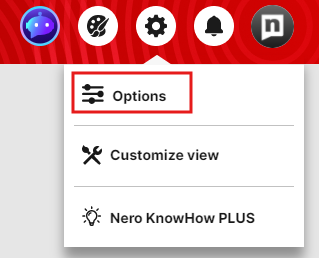
3. In "General" section, you can set the language as you want.

4. After clicking the button "Apply", change will be applied and saved.





